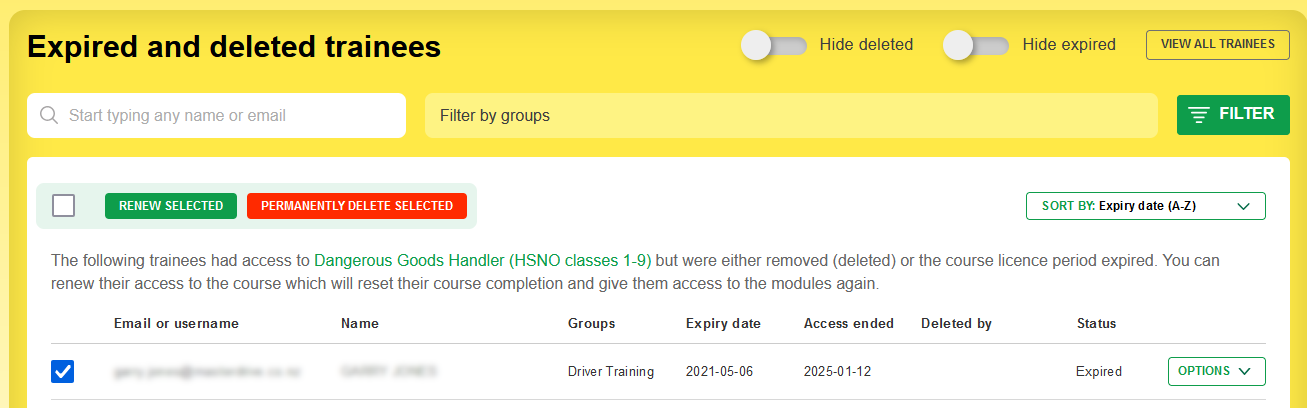
Only the main account holder can do this, not managers. This is a good way to tidy up your account if people have left your organisation.
- Trainees must be removed from all courses that they have access to.
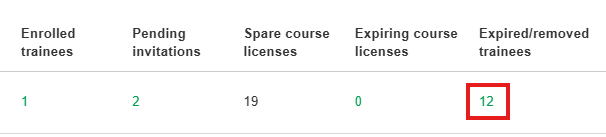
- Visit the expired/removed trainees page by clicking on the number in the column, or from Options > Expired/removed trainees.
- Select the trainees you want to permanently delete and click the big red button!