Most courses have 6 months' access, with a select few having 12 months' access.
However, for some, this might be too long. To change the date earlier to encourage the trainee to finish sooner.
You can change the date earlier, and even change it back later.
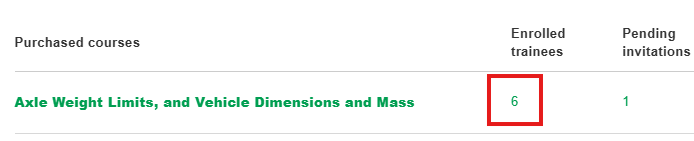
To do this, go to Manage > Trainees and courses, then click on the number in the Enrolled trainees column
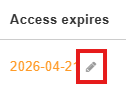
The expiry date for each trainee's course licence will be shown. Click on the pen icon.
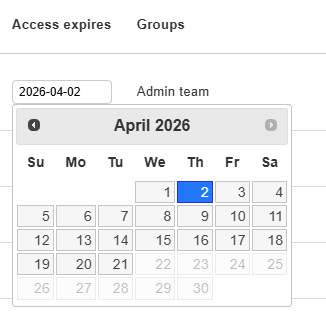
In this example, we have changed the date from 21 April to 2 April. 21 April was the original expiry date (you can't go beyond that without extending the course.)