
Go to Manage > Trainees and courses.
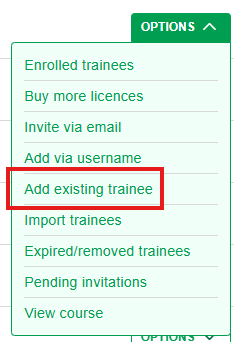
From the Options menu of your desired course, choose Add existing trainee.
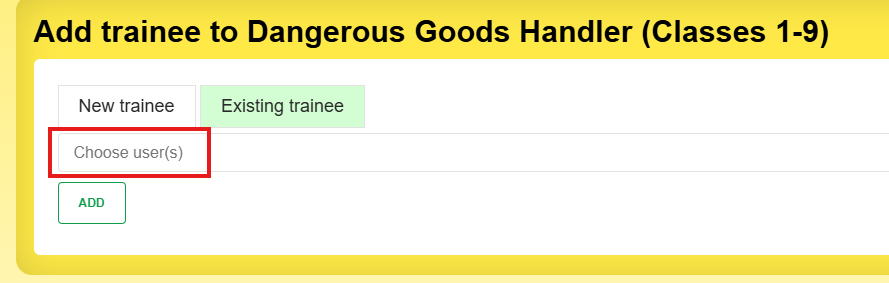
Choose the trainees by clicking in the field, or typing their email/username and selecting it.
You can select multiple trainees
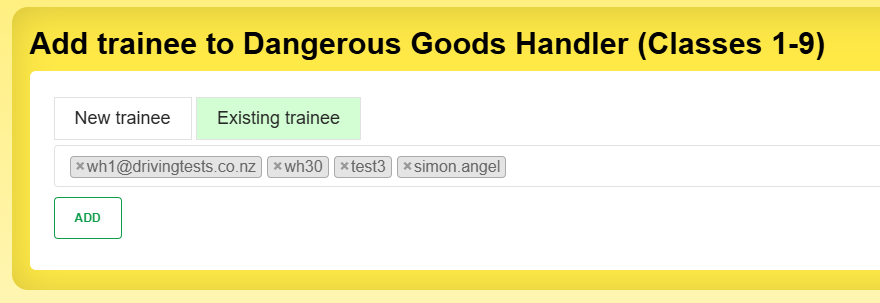
Click Add to add them to the course.
Anyone with an email will get a notification.
If they don't have an email address, you will need to tell them in person.