
If you are an Account Holder or Manager, there's a quick and easy way to add yourself to the course:
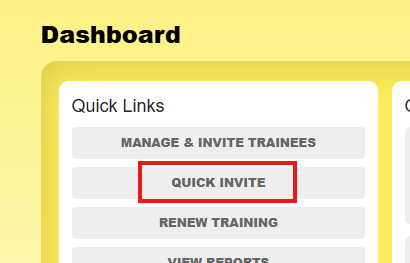
From Analyse > Dashboard, choose Quick Invite
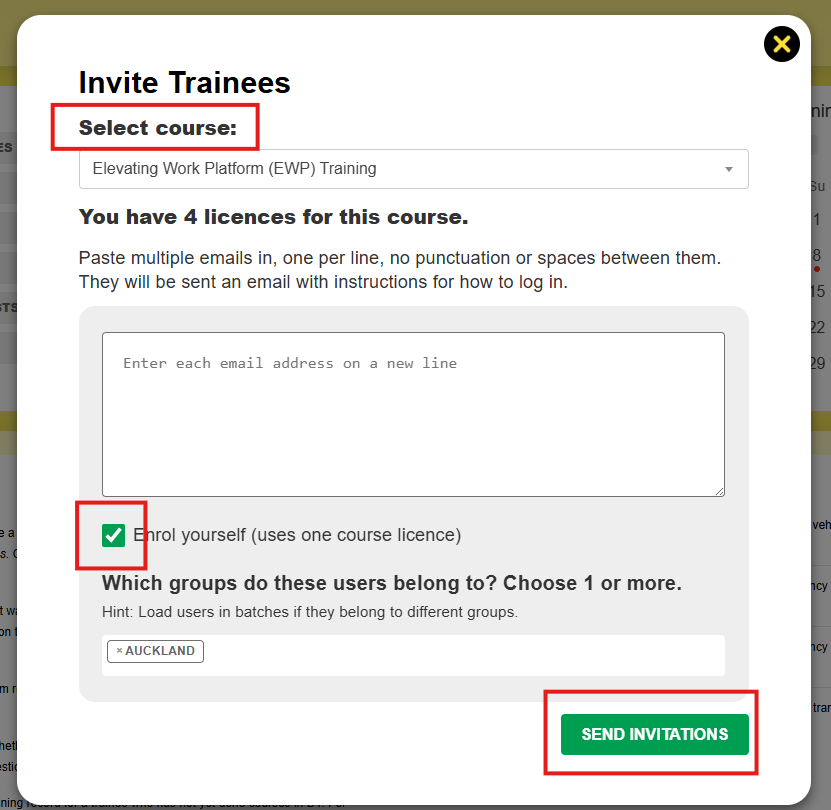
Select the course from the dropdown menu (e.g. EWP).
Check the Enrol yourself checkbox.
Click Send Invitations.
That's it - you can now go to Your Courses > Take Training Modules, and start the course.