Go to Manage > Managers.
Click Options > Delete next for the Manager you'd like to remove.
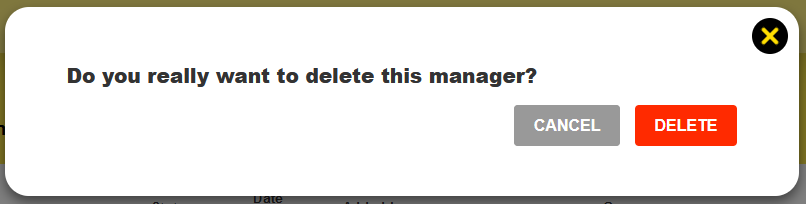
Confirm it's what you want to do (you can't undo it, but you can invite them as a Manager again).

Modified on: Thu, 5 Nov, 2026 at 2:41 PM
Go to Manage > Managers.
Click Options > Delete next for the Manager you'd like to remove.
Confirm it's what you want to do (you can't undo it, but you can invite them as a Manager again).
Did you find it helpful? Yes No
Send feedback