Trainees
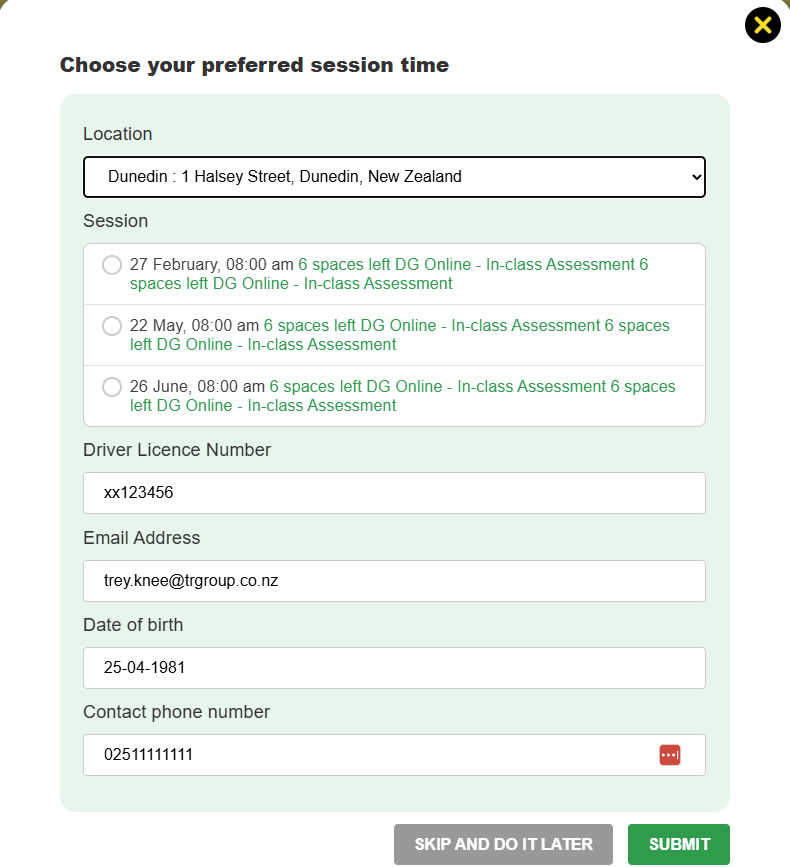
When you finish your course it will prompt you with a form (similar to the one below). If you're not ready to book, you can do this later by going to Your courses > Enrolled courses, and clicking on Request practical.
Note that this button only appears once you have finished the theory modules to 100%.

Please note that the team at TR Driver Training may take one business day to confirm with you.
Managers and account holders
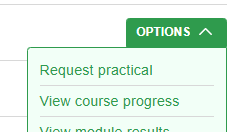
From Manage > Trainees and courses, choose Options > Enrolled trainees for any course that has practical sessions available (e.g. D endorsement or F endorsement).
Then choose Options > Request practical.
This will pop open a window. Choose the location and the sessions will display. Choose the session you want.
Fill in any information about the trainee that hasn't come through in the form (the form will pull information from their profile).
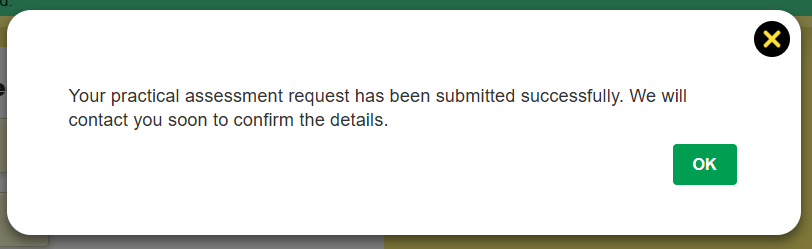
Once you have submitted it, you should see confirmation