
Reports can be downloaded for all trainees from the Reports section, or for an individual trainee.
To find reports for an individual trainee, search them on the Trainees and courses page.
Click on Options, and you have these options:
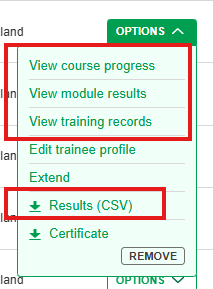
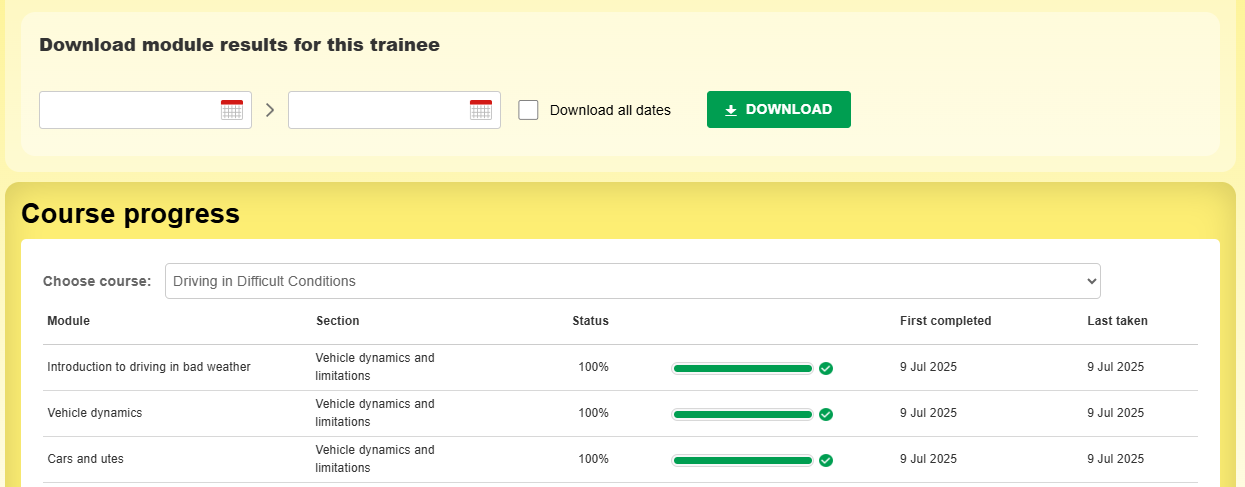
View course progress
You can see a list of modules with the current completion, and you can download module results within a date range.
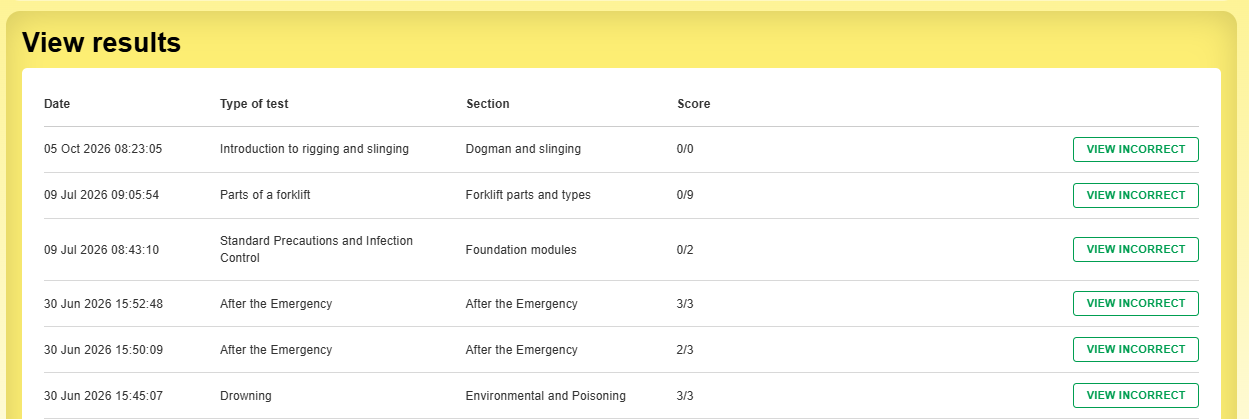
View module results
You'll see the list of modules taken and their scores.
View training records
You'll see the training records, and you can download them, add new records, etc.
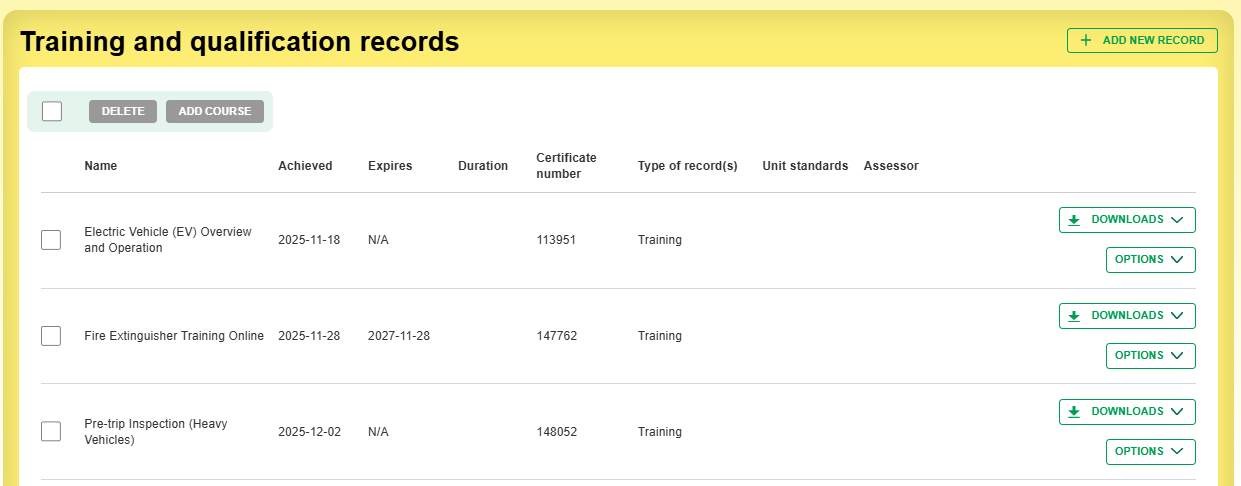
Adding training records and qualifications
The trainee can add training records, but so can any Manager. Click on +Add new record.
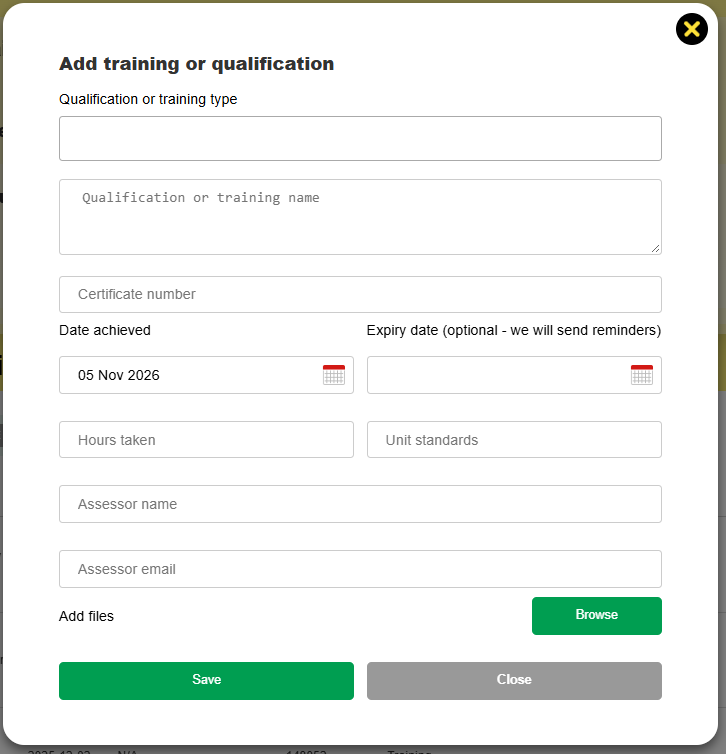
Fill out the details and click +Add record.