
There are two types of invoices:
Paid online
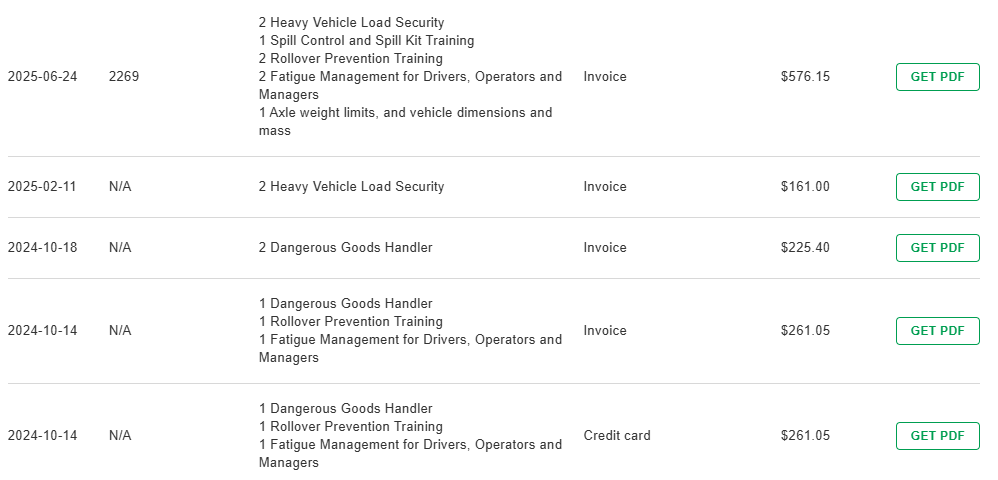
You will have a receipt available on DT showing the date, your reference (for invoices), what you purchased, the payment method and the amount.
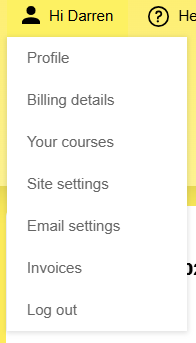
In the Profile menu, choose Invoices.
This will show you a list of your invoices. You can download the invoice using the Get PDF link. Note that if you requested an invoice, we will send you it separately from Xero, and you will be downloading a pro forma instead. Please ensure that the details are correct in the Billing details page.
Stored credit card details
If you paid by credit card and stored your credit card details with us for future purchases, you can view them by clicking on Stored credit cards. Get back to your invoices by clicking View invoices.
